When it comes to running a successful WooCommerce store, product images play a major role in influencing customer purchasing decisions. Online shoppers cannot physically inspect products, so your product gallery becomes the closest substitute for an in-store experience.
WooCommerce includes a built-in product gallery by default, which works well for basic stores. However, as customer expectations continue to evolve, many store owners are turning to advanced Product Gallery Slider solutions to create a more engaging and professional shopping experience.
The question is: Should you stick with the default WooCommerce gallery, or upgrade to a Product Gallery Slider?
Let’s take a detailed look at both options and determine which one delivers better results for your online stor
Understanding the Default WooCommerce Product Gallery
WooCommerce comes with a standard image gallery feature that allows store owners to upload multiple product images and display them on product pages.
The default gallery typically includes:
- Main product image
- Product image thumbnails
- Basic zoom functionality
- Lightbox image viewing
- Responsive support
For small stores with limited product images, these features may be sufficient. However, as product catalogs grow and customer expectations increase, the limitations become more noticeable.
What Is a Product Gallery Slider?
A Product Gallery Slider enhances the default WooCommerce image gallery by transforming static product images into an interactive visual experience.
Instead of forcing visitors to click small thumbnails repeatedly, a slider enables users to:
- Swipe through images smoothly
- View multiple gallery layouts
- Zoom products with ease
- Display videos alongside images
- Navigate galleries on mobile devices effortlessly
- Access image carousels and advanced customization options
One example is the Product Image & Video Gallery for WooCommerce Pro, which extends WooCommerce’s standard functionality with image sliders, video integration, advanced gallery styles, and mobile-friendly navigation.
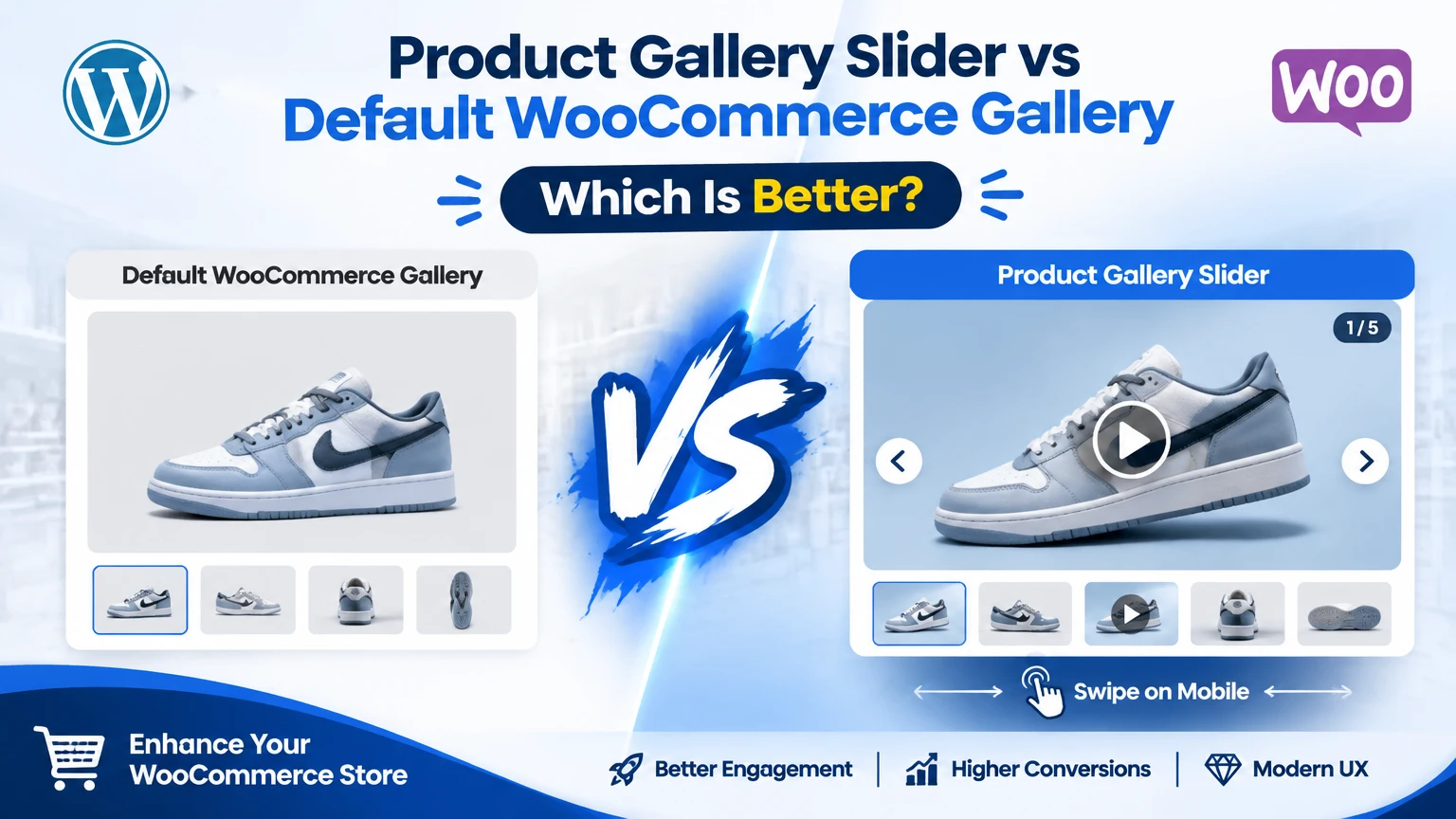
Default WooCommerce Gallery vs Product Gallery Slider
1. User Experience
Default WooCommerce Gallery
The default gallery provides a basic browsing experience. Customers must manually click thumbnails to view different product images.
While functional, it can feel outdated compared to modern eCommerce standards.
Product Gallery Slider
A gallery slider creates a smoother and more engaging experience. Customers can quickly swipe, slide, or scroll through images without interruption.
This interactive browsing experience helps visitors explore products more naturally.
Winner: Product Gallery Slider
2. Mobile Shopping Experience
Default WooCommerce Gallery
WooCommerce galleries are responsive, but navigation can sometimes feel limited on smaller screens.
Thumb selection may require additional tapping, especially when multiple product images are present.
Product Gallery Slider
Modern sliders are designed specifically with mobile users in mind.
Features often include:
- Touch swipe navigation
- Mobile-optimized layouts
- Gesture support
- Smooth image transitions
With mobile commerce accounting for a large share of online purchases, a better mobile experience can directly impact conversions.
Winner: Product Gallery Slider
3. Product Video Support
Default WooCommerce Gallery
WooCommerce does not provide advanced product video management within the gallery experience out of the box.
Store owners typically need additional plugins for video integration.
Product Gallery Slider
Advanced gallery plugins allow merchants to include:
- Product demonstration videos
- YouTube videos
- Vimeo videos
- Self-hosted videos
This can significantly improve customer confidence by showcasing products from multiple perspectives.
For example, a fashion retailer can display a model wearing the product, while an electronics seller can demonstrate product functionality through video.
Winner: Product Gallery Slider
4. Product Presentation
Default WooCommerce Gallery
The appearance and functionality remain fairly standard across WooCommerce stores.
Customization options are somewhat limited without additional development work.
Product Gallery Slider
Many gallery slider plugins offer:
- Vertical gallery layouts
- Horizontal sliders
- Grid galleries
- Carousel displays
- Full-screen image viewing
- Custom navigation styles
These options help create a more premium shopping experience and allow your store to stand out from competitors.
Winner: Product Gallery Slider
5. Conversion Potential
Default WooCommerce Gallery
Basic image display allows customers to view products, but it may not maximize engagement.
Product Gallery Slider
A richer visual experience encourages customers to spend more time exploring products.
Benefits include:
- Better product understanding
- Increased customer confidence
- Reduced purchase hesitation
- Improved engagement on product pages
When shoppers can view products from multiple angles and watch demonstration videos, they are more likely to make informed purchasing decisions.
Winner: Product Gallery Slider
6. Ease of Setup
Default WooCommerce Gallery
Since it’s built into WooCommerce, no additional setup is required.
Simply upload product images and publish your products.
Product Gallery Slider
Most modern gallery plugins are easy to configure, though they may require some initial customization.
Store owners can typically select gallery styles, slider behavior, and video settings through the WordPress dashboard.
Winner: Default WooCommerce Gallery
7. Performance Considerations
Default WooCommerce Gallery
The native WooCommerce gallery is lightweight because it contains only essential functionality.
Product Gallery Slider
Feature-rich galleries may load additional scripts and styles. However, well-optimized plugins are designed to minimize performance impact while delivering advanced features.
Store owners should always choose a professionally developed solution that prioritizes speed and optimization.
Winner: Slight Advantage to Default WooCommerce Gallery
Comparison Table
| Feature | Default WooCommerce Gallery | Product Gallery Slider |
|---|---|---|
| Basic Image Display | ✅ | ✅ |
| Mobile Swipe Support | Limited | ✅ |
| Product Videos | ❌ | ✅ |
| Advanced Layouts | ❌ | ✅ |
| Interactive Navigation | Limited | ✅ |
| Zoom Features | Basic | Advanced |
| Customization Options | Limited | Extensive |
| Conversion Potential | Moderate | High |
| Easy Setup | ✅ | ✅ |
| Modern Shopping Experience | Limited | ✅ |
Why More WooCommerce Stores Are Adopting Gallery Sliders
Today’s online shoppers expect a shopping experience similar to major eCommerce platforms like Amazon, Nike, Apple, and other leading retailers.
Customers want to:
- View products from every angle
- Watch demonstration videos
- Swipe through galleries on mobile devices
- Zoom into product details
- Interact with images smoothly
A Product Gallery Slider helps bridge the gap between a standard WooCommerce store and a premium shopping experience.
Who Should Use the Default WooCommerce Gallery?
The default gallery may still be suitable if:
- You have a small catalog
- Products require only one or two images
- You prefer minimal functionality
- Website speed is your highest priority
- You have a limited budget
For simple stores, the built-in gallery can handle basic product presentation requirements.
Who Should Use a Product Gallery Slider?
A gallery slider is highly recommended if you:
- Sell fashion products
- Offer jewelry or accessories
- Run a furniture store
- Sell electronics
- Offer customizable products
- Use product videos in marketing
- Want to improve customer engagement
- Aim to increase conversions
The more visual your products are, the more value you’ll gain from advanced gallery functionality.
Final Verdict: Which Is Better?
The default WooCommerce gallery is a reliable starting point and works adequately for basic online stores. However, it lacks the interactive features modern shoppers have come to expect.
A Product Gallery Slider delivers a significantly better shopping experience through smooth navigation, mobile-friendly interactions, advanced layouts, image zoom capabilities, and video integration. These enhancements can help customers better understand products and make purchasing decisions with greater confidence.
If your goal is to create a professional WooCommerce store that maximizes product presentation and user engagement, a solution like Product Image & Video Gallery for WooCommerce Pro is generally the better choice. It transforms standard product galleries into visually rich experiences that align with modern eCommerce expectations.
Conclusion
In today’s competitive eCommerce landscape, product presentation is no longer optional. The way customers interact with your product images can directly influence engagement, trust, and sales.
While the default WooCommerce gallery handles the basics, a Product Gallery Slider offers greater flexibility, stronger visual appeal, and a more customer-friendly shopping experience. For store owners looking to showcase products effectively and improve conversions, upgrading to an advanced gallery solution is often a worthwhile investment.