Managing product data manually becomes difficult as a WooCommerce store grows. Adding hundreds of products, updating prices, synchronising inventory, transferring product images, or migrating an entire catalogue can quickly turn into a time-consuming task.
That’s where WooCommerce product import export plugins become useful. They allow store owners to move product information in bulk, update existing records, and manage catalogue data without opening individual product pages.
However, not every plugin offers the same capabilities. Some are designed for straightforward CSV uploads, while others support Excel, XML, scheduled imports, supplier feeds, custom fields, and complex product variations.
In this guide, we’ll compare some of the best WooCommerce product import/export solutions available in 2026, including established tools and Smart Product Import Export for WooCommerce by Sandeep Parihar.
Whether you’re managing a small online shop or a large product catalogue, this comparison will help you choose a tool that fits your workflow.
Quick Answer: Which WooCommerce Import/Export Plugin Should You Choose?
The right choice depends on your requirements:
- WooCommerce built-in CSV importer: Best for basic product imports, exports, and occasional updates without additional plugin costs.
- WP All Import: Best for complex imports, custom fields, advanced mapping, and sophisticated product data structures.
- WebToffee Product Import Export: Best for businesses needing established import/export workflows, product filters, and scheduled transfers.
- Smart Product Import Export for WooCommerce: Best for all types of product, custom fields, advanced mapping, worth considering for stores looking for CSV, Excel, XML support, URL-based imports, FTP/SFTP transfers, and product review management.
Let’s examine each option in more detail.
WooCommerce Built-in Product CSV Importer and Exporter
Best for: Small stores and occasional product updates
Free
Included with WooCommerce
Before installing another plugin, it’s worth exploring WooCommerce’s built-in import/export functionality.
Available through Products → All Products, this tool lets merchants import products from CSV files, export existing product information, and update products in bulk.
Its main advantage is simplicity. You don’t need another plugin or an additional subscription for standard CSV operations.
Key features:
- ✔
Import and export products using CSV files. - ✔
Add new products in bulk. - ✔
Update existing products using product IDs or SKUs. - ✔
Import product images through accessible image URLs. - ✔
Manage product categories, tags, attributes, and prices. - ✔
Export selected products or filter products by category and type. - ✔
Import supported product types, including simple and variable products.
WooCommerce also supports custom metadata through its CSV schema. Recent versions have expanded product matching and variation-import capabilities.
✅ Pros
- ✔
Free and maintained as part of WooCommerce. - ✔
No additional plugin installation. - ✔
Convenient for standard product catalogues. - ✔
Supports bulk updates. - ✔
Provides a familiar import workflow.
❌ Cons
- ✖
CSV-only functionality. - ✖
No built-in recurring supplier-feed automation. - ✖
Limited flexibility for complicated custom fields. - ✖
Requires properly structured CSV files. - ✖
Less convenient for advanced XML and Excel workflows.
Our take: The built-in importer is a sensible starting point if you have a relatively straightforward catalogue. However, stores handling regular supplier updates, complex product variations, or multiple data formats may benefit from a dedicated solution.
WP All Import
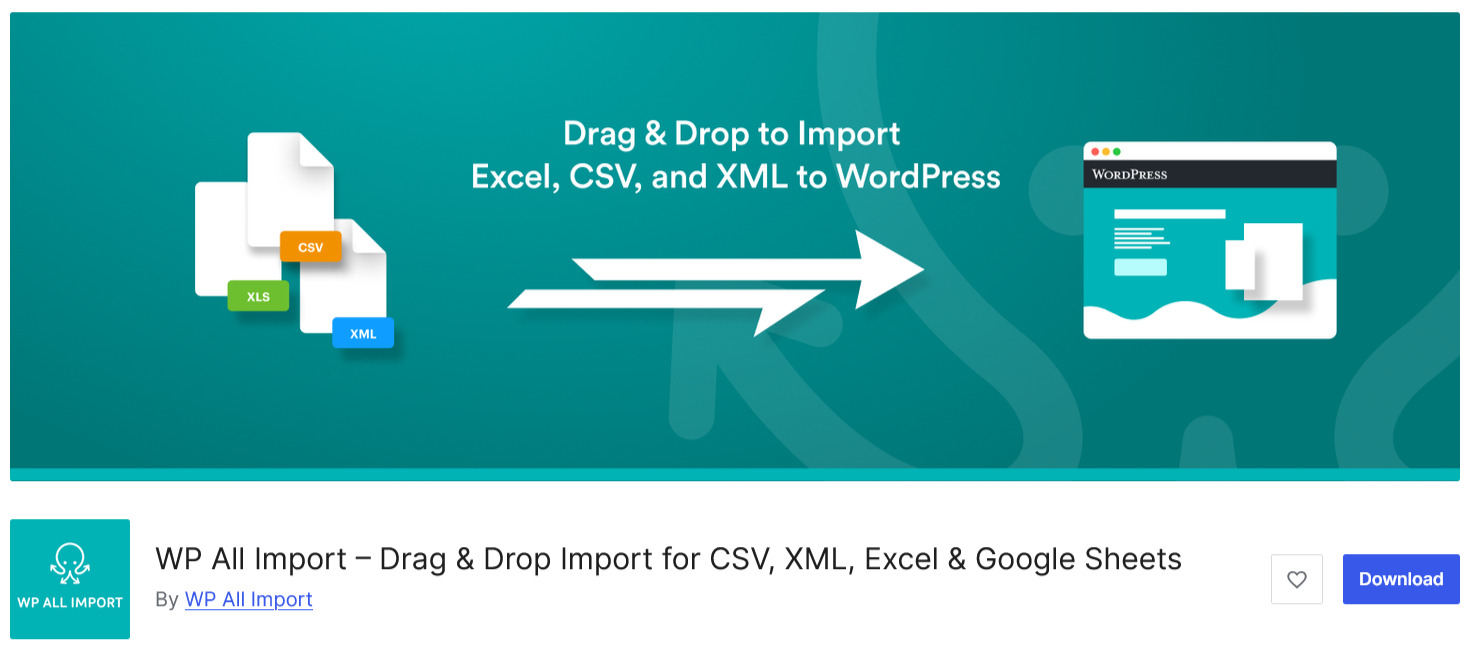
WP All Import is an established WordPress data-import solution designed to handle different file structures and complicated import requirements.
It is particularly useful when your supplier provides product information in a format that doesn’t directly match WooCommerce’s default product fields.
Its visual mapping interface lets you connect incoming file columns with WooCommerce fields. This reduces the amount of manual preparation required before importing a catalogue.
Key features:
- ✔
Supports CSV, XML, Excel, and Google Sheets workflows. - ✔
Drag-and-drop field mapping. - ✔
Imports WooCommerce products and product variations. - ✔
Supports custom fields and metadata through appropriate integrations. - ✔
Imports images from external URLs. - ✔
Supports scheduled and recurring imports. - ✔
Allows selective updates to existing products. - ✔
Provides export functionality through its companion WP All Export solution.
✅ Pros
- ✔
Flexible mapping for complicated product files. - ✔
Suitable for large and diverse datasets. - ✔
Supports custom fields and third-party integrations. - ✔
Useful for recurring product-data synchronisation. - ✔
Offers extensive configuration options.
❌ Cons
- ✖
Advanced configurations can take time to understand. - ✖
Premium functionality requires the appropriate licence and add-ons. - ✖
May be excessive for stores that only need occasional CSV imports.
Our take: WP All Import is a strong option for developers, agencies, and merchants working with complicated product feeds. If your store uses custom product fields or receives data from several suppliers, its flexibility can be particularly useful.
Its pricing varies by package. The WooCommerce Import Package is listed at $169 per year on its pricing page, while other import/export packages have different inclusions. Check the current licence details before purchasing.
Product Import Export for WooCommerce by WebToffee
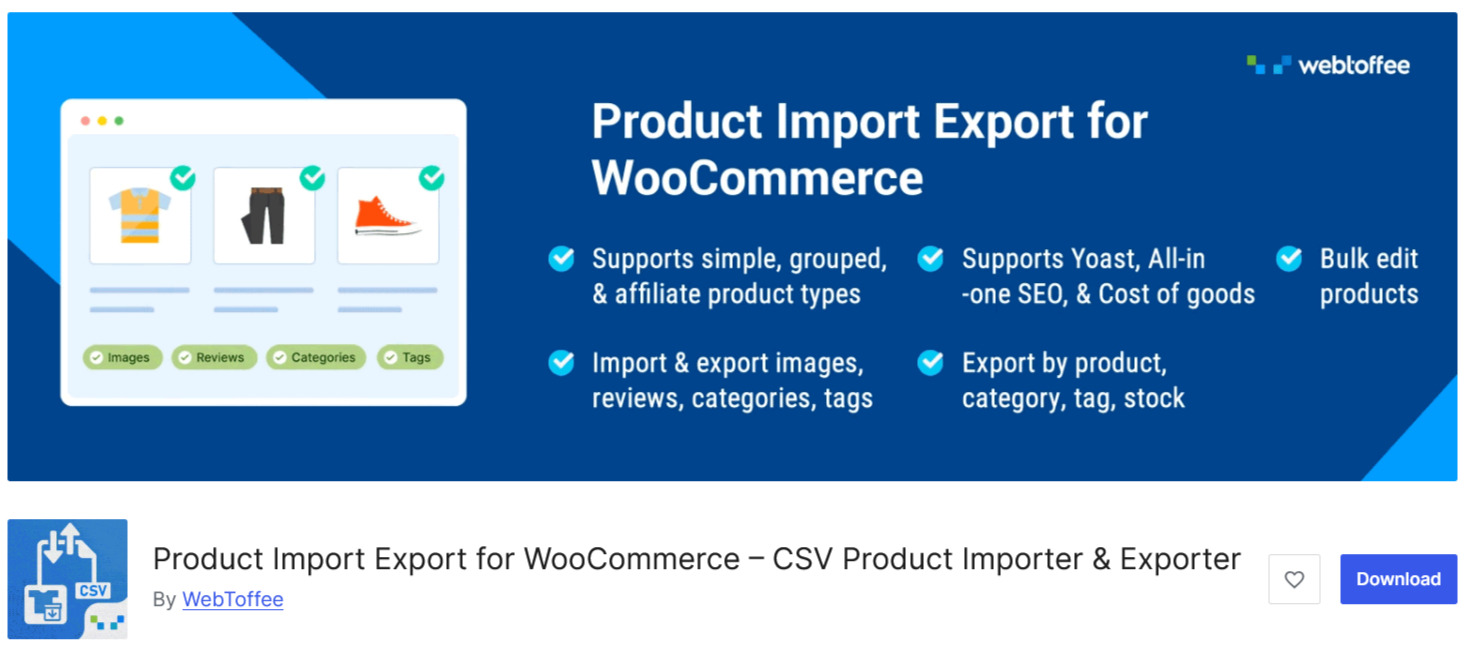
WebToffee’s Product Import Export plugin is another established option for WooCommerce merchants who regularly manage catalogue information.
The plugin focuses on simplifying bulk product operations, including product migration, price updates, stock management, and image transfers.
Its free version covers basic CSV import/export workflows, while premium plans introduce additional product types, formats, and automation features.
Key features:
- ✔
CSV product import and export. - ✔
Bulk product updates. - ✔
Product image and gallery transfers. - ✔
Category and tag management. - ✔
Product review import/export. - ✔
Export filters based on categories, stock status, and product types. - ✔
Premium support for variable products and additional product types. - ✔
Premium XML, Excel, and other file-format support. - ✔
Scheduled imports and exports. - ✔
FTP/SFTP integration in premium plans.
✅ Pros
- ✔
Useful free version for basic catalogue operations. - ✔
Established WordPress plugin with a substantial user base. - ✔
Convenient bulk price and inventory updates. - ✔
Premium options for recurring imports. - ✔
Supports product images and additional catalogue information.
❌ Cons
- ✖
Variable product support requires the premium version. - ✖
Advanced functionality is spread across paid plans. - ✖
Some third-party integrations may require additional configuration. - ✖
More complicated imports can require careful field mapping.
Our take: WebToffee is a practical choice for merchants who want a dedicated product import/export interface without immediately investing in a more advanced data-management platform.
Its official pricing starts at $69 per year for one site, $129 for up to five sites, and $249 for up to 25 sites for the product-specific premium plugin. Prices are in USD and may change.
Smart Product Import Export for WooCommerce by Sandeep Parihar
Best for: Flexible product imports with multiple file formats and transfer methods
Available on WordPress.org (Free)
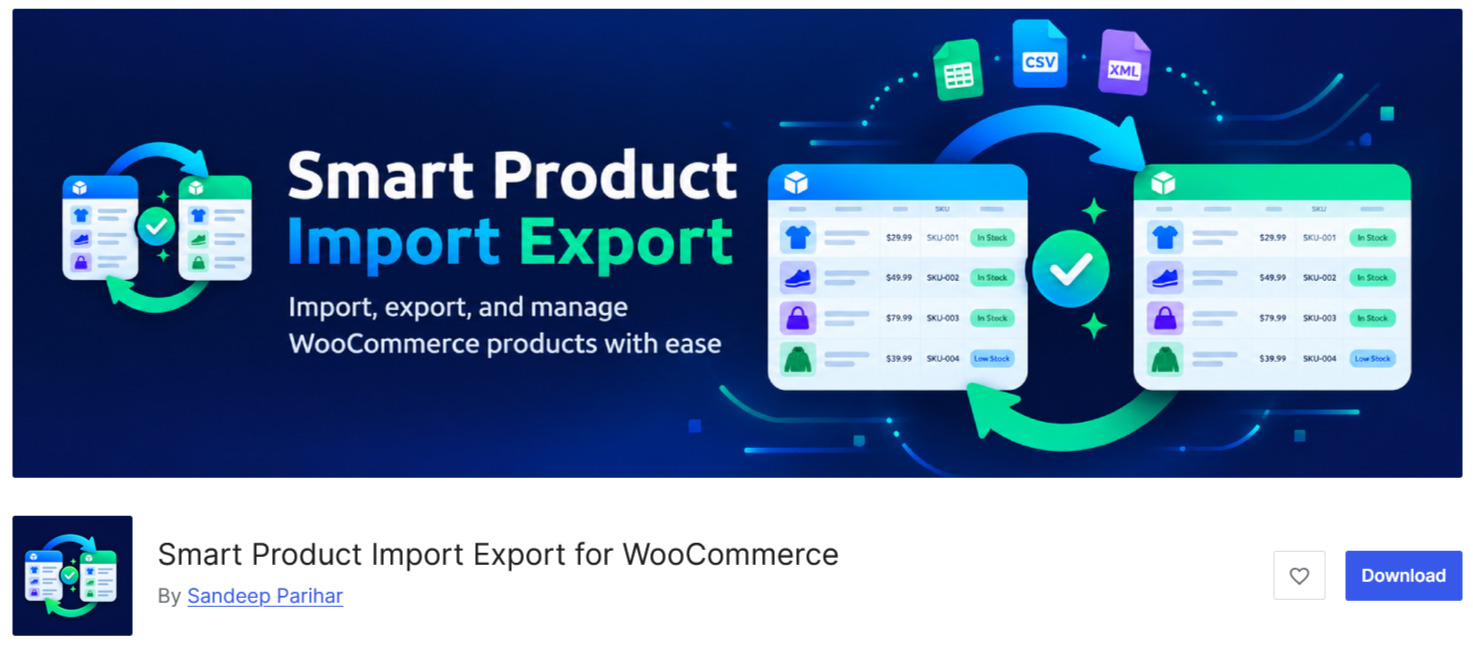
If you’re looking for a flexible alternative to traditional CSV-only importers, Smart Product Import Export for WooCommerce by Sandeep Parihar is worth exploring.
The plugin is designed to make product catalogue management more convenient by supporting multiple file formats, flexible field mapping, background processing, and different ways to transfer product information.
What makes it particularly interesting is that its functionality extends beyond basic product imports and exports.
Merchants can work with CSV, Excel, and XML files, import products from URLs, and transfer data through FTP/SFTP connections.
Key features of Smart Product Import Export for WooCommerce
1. Multiple file format support
The plugin supports three popular formats:
- CSV for structured product data and spreadsheet workflows.
- Excel (.xlsx) for merchants who prefer working with spreadsheets.
- XML for structured product feeds and external data sources.
This flexibility can be useful when suppliers provide catalogues in different formats.
2. Flexible product field mapping
Product files don’t always use the same column names as WooCommerce.
The plugin offers automatic field mapping and allows merchants to map incoming columns to the appropriate WooCommerce product fields.
It also supports saving mappings for reuse, making repeat imports easier to manage.
3. Support for different product types
The plugin supports:
- Simple products.
- Variable products and variations.
- Grouped products.
- External and affiliate products.
- Virtual products.
- Downloadable products.
It also provides an adapter system for custom product types.
This makes it relevant to stores selling products with multiple sizes, colours, configurations, or downloadable files.
4. FTP and SFTP transfers
For merchants receiving regular product feeds, transferring files manually can become repetitive.
Smart Product Import Export supports fetching import files from FTP, FTPS, and SFTP servers and sending completed exports to remote destinations.
This can simplify workflows where product information is maintained on an external server.
5. Import products directly from URLs
Another useful feature is URL-based importing.
Merchants can provide a URL pointing to a CSV, Excel, or XML file. The plugin downloads and validates the file before processing it.
It also supports extracting product information from individual product pages using available Schema.org Product data or OpenGraph metadata.
Extracted information includes product names, SKUs, prices, descriptions, and images.
The imported information can then be reviewed through the normal mapping and validation workflow.
6. Product review import and export
Product reviews are valuable ecommerce assets, particularly when migrating between stores.
The plugin supports transferring review information, including:
- Reviewer names and email addresses.
- Review content.
- Ratings.
- Review dates and statuses.
- Associated product IDs or SKUs.
- Verified-owner information.
This means merchants can manage product catalogue data and product reviews through the same plugin.
7. Background processing and validation
Large imports can create server-resource problems if every product is processed in one request.
The plugin supports background processing for files containing more than 100 rows, using Action Scheduler or WordPress cron.
It also provides pre-import validation, configurable batch processing, duplicate-handling options, and downloadable error reports.
✅ Pros
- ✔
Supports CSV, Excel, and XML. - ✔
Imports and exports multiple WooCommerce product types. - ✔
Supports FTP, FTPS, and SFTP transfers. - ✔
Allows URL-based product imports. - ✔
Includes product review import/export. - ✔
Provides automatic and reusable field mappings. - ✔
Offers background processing for larger files. - ✔
Includes validation and detailed error reporting. - ✔
Supports remote product images.
❌ Cons
- ✖
FTP/SFTP scheduling and URL-based imports require appropriate server configuration and security considerations.
Who should consider this plugin?
Smart Product Import Export is worth considering if you want a single plugin for different product-data workflows, particularly when you need:
- ✔
More than CSV file support. - ✔
Regular product catalogue updates. - ✔
Supplier data transfers through FTP/SFTP. - ✔
Product imports from external URLs. - ✔
Product review migration. - ✔
Flexible handling of variable products.
Its feature set is promising, although its relatively limited adoption means it should be evaluated through practical testing rather than assumed to have the same maturity as established alternatives.
Our take: Smart Product Import Export for WooCommerce offers an interesting combination of import/export features. For merchants who need multiple file formats, URL imports, remote transfers, and review migration, it deserves a place on the shortlist.
WooCommerce Product Import/Export Plugins: Side-by-Side Comparison
Choosing between these plugins becomes easier when you compare their core capabilities.
| Feature | WC Core | WP All Import | WebToffee | Smart Product Import Export |
|---|---|---|---|---|
| CSV support | Yes | Yes | Yes | Yes |
| Excel support | No | Yes | Premium | Yes |
| XML support | No | Yes | Premium | Yes |
| Variable products | Yes | Yes | Premium | Yes |
| Product images | Yes | Yes | Yes | Yes |
| Scheduled imports | No | Yes | Premium | Yes |
| FTP/SFTP | No | Yes | Premium | Yes |
| URL imports | No | Yes | Premium | Yes |
| Review import/export | No | No | Yes | Yes |
| Background processing | Limited | Yes | Yes | Yes |
| Custom field mapping | in Basic Plan | in Advanced Plan | Premium | Yes |
Feature availability depends on plugin editions, integrations, and configuration. Verify the relevant documentation before purchasing or planning a migration.
How to Choose the Right WooCommerce Product Import Export Plugin
The most expensive plugin isn’t necessarily the best choice. What matters is whether it handles your actual product-management requirements.
Here are six factors worth evaluating.
1. Consider Your Product Catalogue Size
A store with 50 products has very different requirements from one managing 20,000 products.
For smaller catalogues, WooCommerce’s built-in importer may be sufficient.
For larger stores, look for:
- Background processing.
- Configurable batch sizes.
- Import progress tracking.
- Detailed error reports.
- Efficient handling of large files.
These capabilities help reduce the risk of server timeouts and incomplete imports.
2. Check Variable Product Support
Variable products often create complications during migration.
For example, a clothing store might sell one shirt in five sizes and four colours. Each combination needs the correct pricing, SKU, stock information, and attributes.
Your chosen plugin should preserve the parent product and its associated variations.
Don’t simply assume that a plugin supporting simple products will handle variable products correctly.
3. Look Beyond CSV Support
CSV remains useful, but suppliers may provide information in other formats.
Consider your actual workflow:
- CSV: Suitable for spreadsheets and straightforward product data.
- Excel: Convenient for teams that regularly work with spreadsheets.
- XML: Useful for structured supplier feeds and integrations.
- URL imports: Helpful when data is hosted externally.
- FTP/SFTP: Useful for recurring file transfers.
A plugin supporting multiple formats can reduce the need for additional conversion tools.
4. Check Duplicate Handling and Product Updates
One of the biggest problems with bulk importing is accidentally creating duplicate products.
Look for options to identify existing products through SKUs or product IDs.
You should also be able to decide whether an import should:
- Create new products.
- Update existing products.
- Skip existing products.
- Report duplicate records.
- Update only selected fields.
This is particularly important when synchronising prices and inventory from suppliers.
5. Evaluate Automation Capabilities
If you update product data every day, manual uploads can become an unnecessary operational burden.
Scheduled imports can help automate:
- Supplier inventory updates.
- Product price synchronisation.
- Catalogue refreshes.
- Recurring product exports.
Check whether the plugin uses WordPress cron, Action Scheduler, server cron, or another scheduling mechanism. Your hosting environment can affect how reliably scheduled tasks execute.
6. Test Before Importing Your Entire Catalogue
Even a feature-rich plugin can encounter problems with a particular product file.
Before importing everything:
Create a complete website and database backup.
Test the plugin on a staging website.
Import a small selection of products.
Check product descriptions, images, prices, and SKUs.
Verify variable product attributes and variations.
Review stock quantities and product categories.
Check the import logs for errors.
Confirm that existing products weren’t duplicated or overwritten unexpectedly.
WooCommerce also recommends testing large imports in smaller batches and reviewing the results before proceeding.
Common Mistakes to Avoid During WooCommerce Product Imports
Selecting the right plugin is only part of the process. The quality of your source data also matters.
Watch out for these common mistakes:
- 1
Incorrect SKU mapping: If SKUs don’t match the existing products, updates may fail or create unwanted products. - 2
Missing product images: External image URLs may be inaccessible, incorrectly formatted, or blocked by the source server. - 3
Incorrect variation relationships: Parent products and variations must be linked correctly, with consistent attribute names and values. - 4
Overwriting existing information: Mapping every available field without checking the update settings can replace useful product descriptions, prices, or metadata. - 5
Ignoring import errors: A successful import process doesn’t necessarily mean every product was imported correctly. Review the logs and check skipped records. - 6
Importing directly into a live store: Always test first, particularly when working with large catalogues or complicated product structures.
A little preparation can prevent hours of troubleshooting later.
Frequently Asked Questions
1. Which is the best WooCommerce product import export plugin in 2026?
There isn’t one solution for every store. WP All Import is worth considering for advanced data mapping, WebToffee offers established product import/export workflows, and Smart Product Import Export provides an interesting combination of CSV, Excel, XML, URL, and FTP/SFTP capabilities. WooCommerce’s built-in importer remains useful for basic operations.
2. Can I import thousands of products into WooCommerce at once?
Yes. Dedicated import/export plugins can process large product catalogues using batch or background processing. However, the practical limits depend on your hosting resources, file size, memory allocation, and plugin configuration.
3. Can I import variable products using a CSV file?
Yes. WooCommerce supports variable products and variations through its CSV importer. Plugins such as WP All Import, WebToffee Premium, and Smart Product Import Export also offer variable product support. Make sure the parent-child relationships and product attributes are correctly mapped.
4. Can I import WooCommerce products from Excel instead of CSV?
Yes. Some dedicated plugins support Excel (.xlsx) imports. Smart Product Import Export for WooCommerce and WP All Import support Excel workflows. WooCommerce’s built-in importer, however, uses CSV.
5. Can I update product prices and stock in bulk?
Yes. Export existing products, update their prices or inventory information in a spreadsheet, and import the revised data using matching SKUs or product IDs. Make sure the importer is configured to update existing products rather than create duplicates.
6. Is Smart Product Import Export for WooCommerce free?
The plugin is available through the WordPress.org plugin directory. Its listing provides installation and feature information, but merchants should check the current distribution and licensing terms before relying on it for a commercial workflow.
7. Do I need a developer to use product import/export plugins?
Not necessarily. Basic CSV imports are generally manageable through WordPress dashboards. However, complicated product variations, custom metadata, third-party integrations, and large migrations may require technical assistance.
Conclusion: Find the Right Import/Export Solution for Your Store
Product import/export functionality is an important part of managing a growing WooCommerce store. The right solution can reduce repetitive work, simplify catalogue updates, and make product migrations more manageable.
For basic requirements, WooCommerce’s built-in CSV importer is a good starting point. WP All Import is worth considering for advanced mapping and complex data structures, while WebToffee offers a practical option for regular product management.
Smart Product Import Export for WooCommerce by Sandeep Parihar is another solution worth exploring, particularly if you need multiple file formats, URL-based imports, FTP/SFTP transfers, and product review management in one place. Its relatively small user base makes hands-on testing especially important.
Ultimately, choose a plugin based on your product catalogue, data sources, automation requirements, and technical resources rather than the number of features listed on its website.
If your WooCommerce store needs a more reliable product-management workflow, the ShopifyGems team can help assess your existing setup, improve import/export processes, and develop custom ecommerce solutions that support your business as it grows.